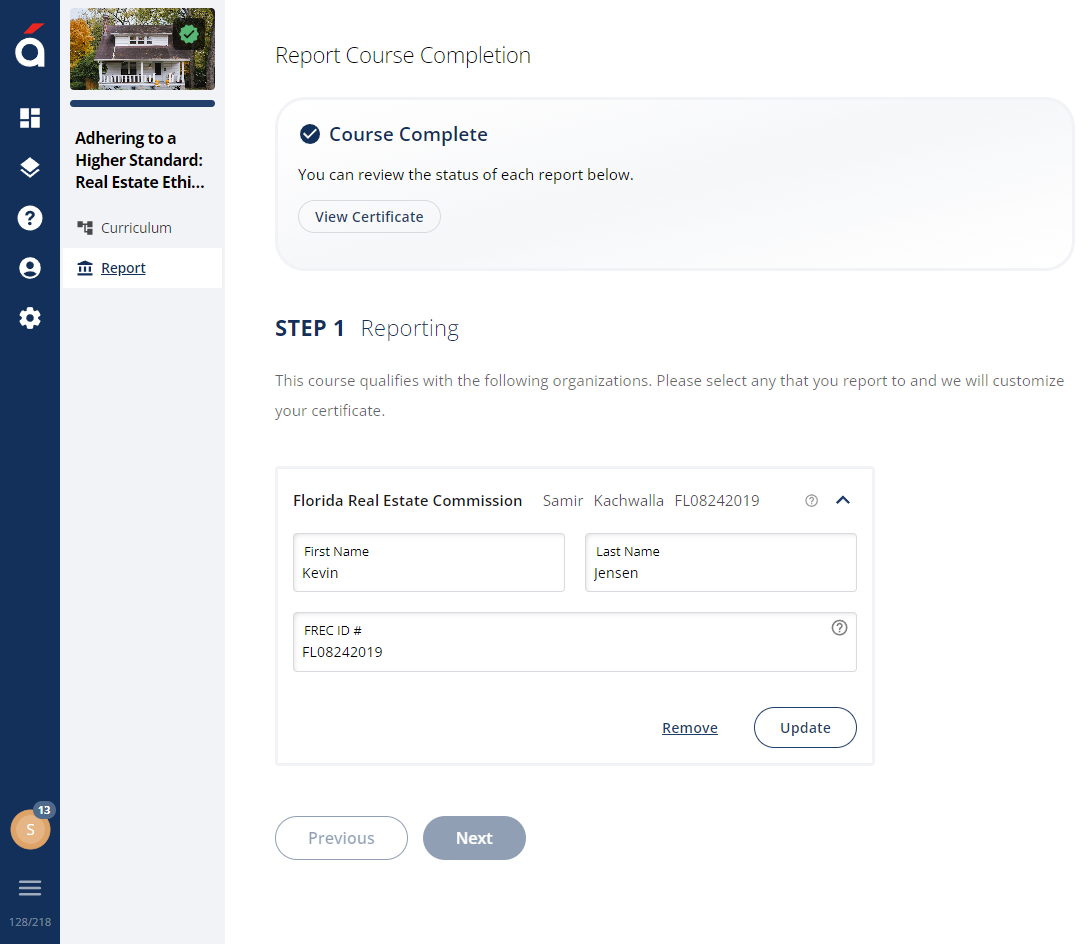

Incorrect information is the most common cause of reporting errors. This means the information entered does not match the information the regulator has on file. An example is a student who gets married, changes their last name, and does not update this information with the regulator. In this case, the regulator will only accept the course completion if the pre-marriage last name is submitted. The regulator ID, typically a license or credential number, is also a common cause of reporting errors.
Follow the steps below to resolve reporting errors:
Log into the platform using your email address and password
Click Courses on the main menu.
Click Completed at the top of the screen to view all completed courses.
Select the course with the reporting error. This information is displayed in the Status column.
Click the Reporting button.
Select the Organization under Step 1: Reporting. Correct and verify the required information.
Click Update to resubmit the course for reporting.