

Below are the recommended file formats and dimensions for your images on the platform:
Cover images
Cover images are displayed in the course library and on the course landing page. As a general rule, you should avoid images with text as it can become illegible when cover images are displayed as thumbnails, such as in the course library.
File type: PNG, JPG, SVG, or GIF
Dimensions: 640 x 360px
Aspect ratio: 16:9

Standard & Condensed Logos
The standard logo is displayed on certificates and in the expanded main menu. The condensed logo is used when the main menu is collapsed.
File type: SVG is preferred, PNG is acceptable. A transparent background is required.
Dimensions: A minimum width of 200px is recommended for your standard logo.
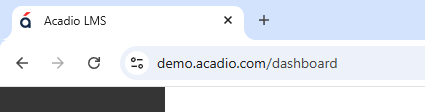
Favicon
The favicon is displayed in web browser tabs and windows to identify the site.
File type: SVG is preferred, PNG is acceptable.
Dimensions: 32 x 32px
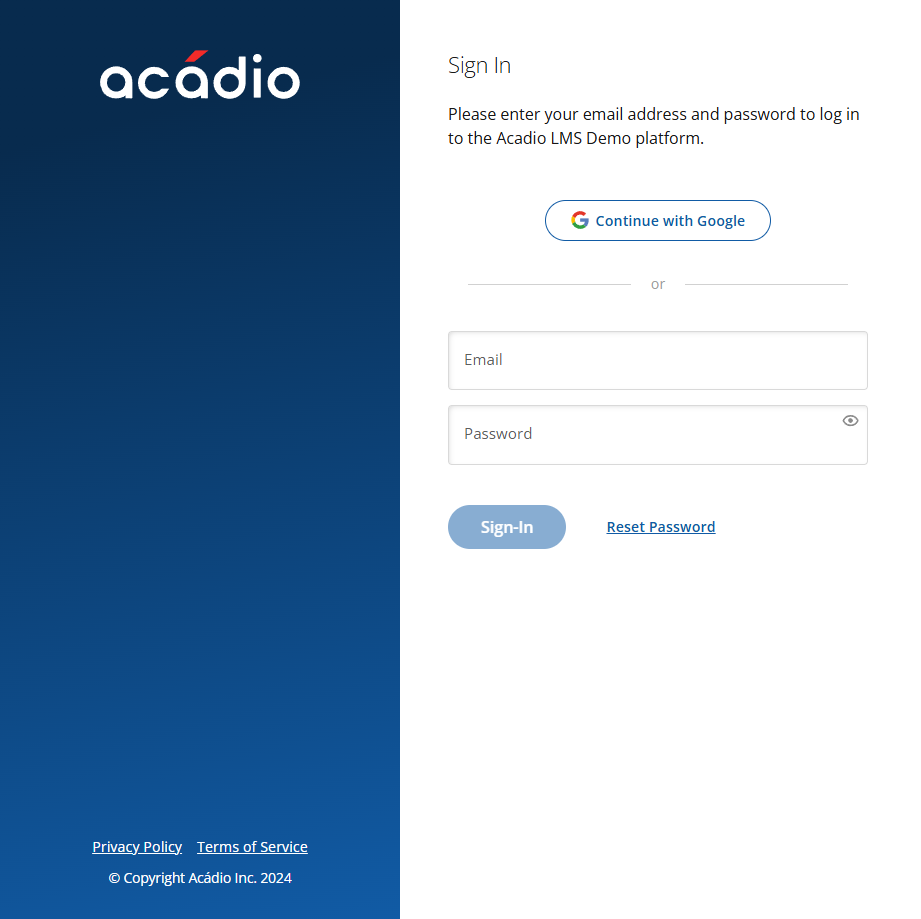
Sign-In Background
The sign-in background is displayed on the platform's student sign-in page. We recommend using images without text, as the image is responsive and text can appear distorted on certain monitor resolutions.
File type: PNG, JPG, SVG, or GIF
Dimensions: 400 x 1400px
Dashboard & Course notifications
Banner images can be added to dashboard or course notifications using the editor.
File type: PNG, JPG, SVG, or GIF
Dimensions: A minimum width of 1100px is recommended for images in the notification areas.
Email Headers
Email header images are used in onboarding and password reset emails.
File type: PNG, JPG, SVG, or GIF
Dimensions: 600 x 200px against a white background is recommended.