

Follow the steps below to export an exam to CSV:
Navigate to the course from which you wish to export the curriculum.
Select Curriculum from the course navigation.
Click the exam activity you want to export.
Next, click Test Settings in the right drawer.
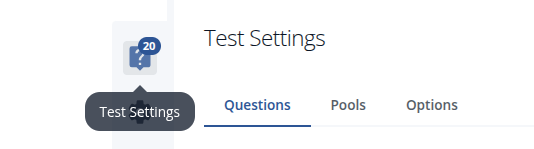
From Test Settings, click on Export CSV.
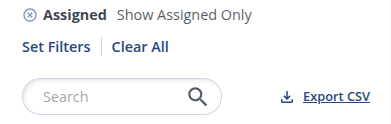
After clicking on Export CSV, you will see that your requested file is saved to your system's downloads folder.
NOTE: If you do not see Export CSV as an option, it means you have no assigned questions published to your exam. See related articles below for more information.