

Follow the steps below to access student certificates of completion:
Navigate to Users>Users on the main menu.
Use the search bar to find a user with their name or email address.
Select the user from the results list to view the Manage User screen.
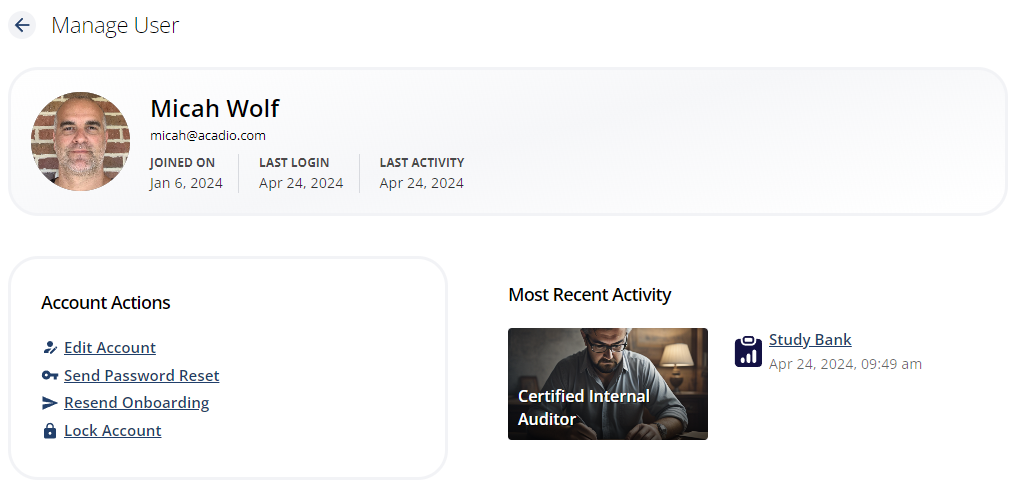
Select Reporting from the drawer on the right side of the screen.
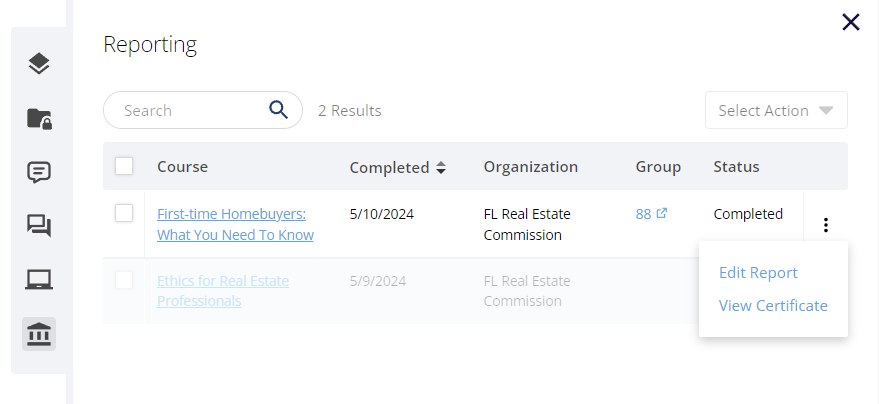
Find the course with the certificate you wish to view. Click the three dots to the right of the Status column and select View Certificate to open the certificate in a new tab or window.
Click the Print Certificate button at the top of the screen to print or save a PDF copy.