

All users, regardless of their assigned group or credit access, can update their profile details.
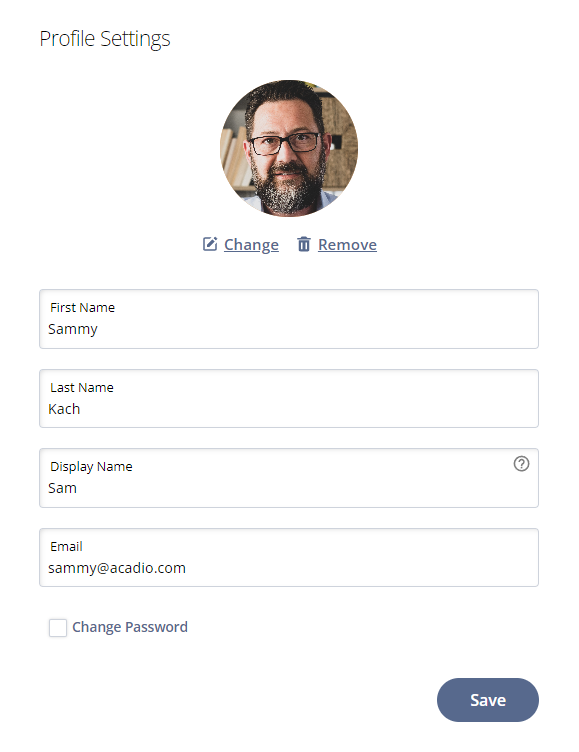
There are four standard profile fields:
First Name
Last Name
Display Name
Email
User display names and emails must be unique. Display names or email address already in use will not be accepted. Administrators have the ability to update profile details on student accounts.
To edit any of the profile information, click into the field. When finished, click the Save button.
Profile image
Users may also add a profile image. PNGs, JPEGs, and GIFs with a maximum file size of 2 MB can be uploaded and used as a profile image.
Changing your password
Click the Change Password checkbox to set a new password on the account. Passwords must be a minimum of 8 characters and include both upper and lower case letters, numbers, and special characters.